Last updated: 10 September 2026. Contact details verified via immigration.gov.mn and the Embassy of Mongolia in London. This is an informational travel portal, not a government site.
If is not loading in 2026, clear your browser cache, try Chrome incognito, and check server status at or . Most login failures, photo rejections, and upload errors on are fixable locally within 10 troubleshooting steps. When remains down, UK residents can apply at the Embassy of Mongolia in London or obtain a visa on arrival at Chinggis Khaan International Airport. The visa fee is non-refundable once the transaction completes.
Quick fix: To resolve Mongolia eVisa login and upload issues, clear your browser cache and cookies, try Google Chrome in incognito mode, and check if is experiencing system maintenance. If the site remains offline, apply for a visa on arrival at Chinggis Khaan Airport or contact the Embassy of Mongolia in London at +44 (0)20 7937 0150.
Diagnosing & Understanding Downtime
To check if is down for everyone, paste its URL into or . If both report an outage, the problem is server-side. If other websites load normally, the issue is local and requires browser or network troubleshooting.
Mongolia eVisa website technical malfunctions typically surface as one of four error types: HTTP 503, connection timeout, blank white page, or a maintenance banner reading “We are currently conducting system maintenance on our server. We apologize for any inconvenience caused.” A maintenance banner distinguishes scheduled downtime from a crash, which produces 503 or timeout errors without a banner.
According to the Immigration Agency of Mongolia (immigration.gov.mn), scheduled maintenance on typically occurs during weekend overnight hours (UTC+8). The best time for UK applicants is weekday mornings UTC+8, which falls in the UK late evening. Any COVID-19 notice on the portal is an outdated legacy placeholder left on specific sub-routes. The Immigration Agency confirms the Apply → Pay → Receive Visa workflow is fully operational in 2026.
Step-by-Step Troubleshooting When Won’t Load
Follow this 10-step protocol to resolve login failures, upload errors, and session timeouts on . In our testing during 2026, disabling VPN and switching to Chrome incognito mode resolved access issues within minutes.
Clear browser cache and cookies
Disable all browser extensions (especially ad-blockers)
Open https:// in incognito / private browsing mode
Switch to a different browser (Google Chrome recommended)
Check your internet connection by loading another site
Try on a mobile device
Switch from WiFi to mobile data (or vice versa)
Try at a different time of day (avoid Mongolian evening peak hours)
Verify the URL is spelled correctly: https://
Disable VPN if active
| Browser | Compatibility |
|---|---|
| Google Chrome | ✓ Recommended |
| Mozilla Firefox | ✓ |
| Microsoft Edge | ✓ |
| Safari | ⚠ Partial – may cause script errors |
| Internet Explorer | ✗ Do not use |
Session timeouts on cause data loss. Save each section before proceeding and prepare all documents in advance. The DAN (ДАН) login system uses Mongolian national ID authentication. Foreign applicants should use the guest application path if DAN login fails.
VPN & Network Connectivity
Some VPN servers trigger geo-blocking on . UK mobile network data connections typically work without issues. Disable VPN, retry, and if the site still fails, switch network.
Common Reasons Your eVisa Application Gets Rejected
The most common rejection reasons include passport validity under 180 days, non-compliant biometric photos, and incomplete application fields. Willful dishonesty leads to refusal of application or refusal of entry into Mongolia.
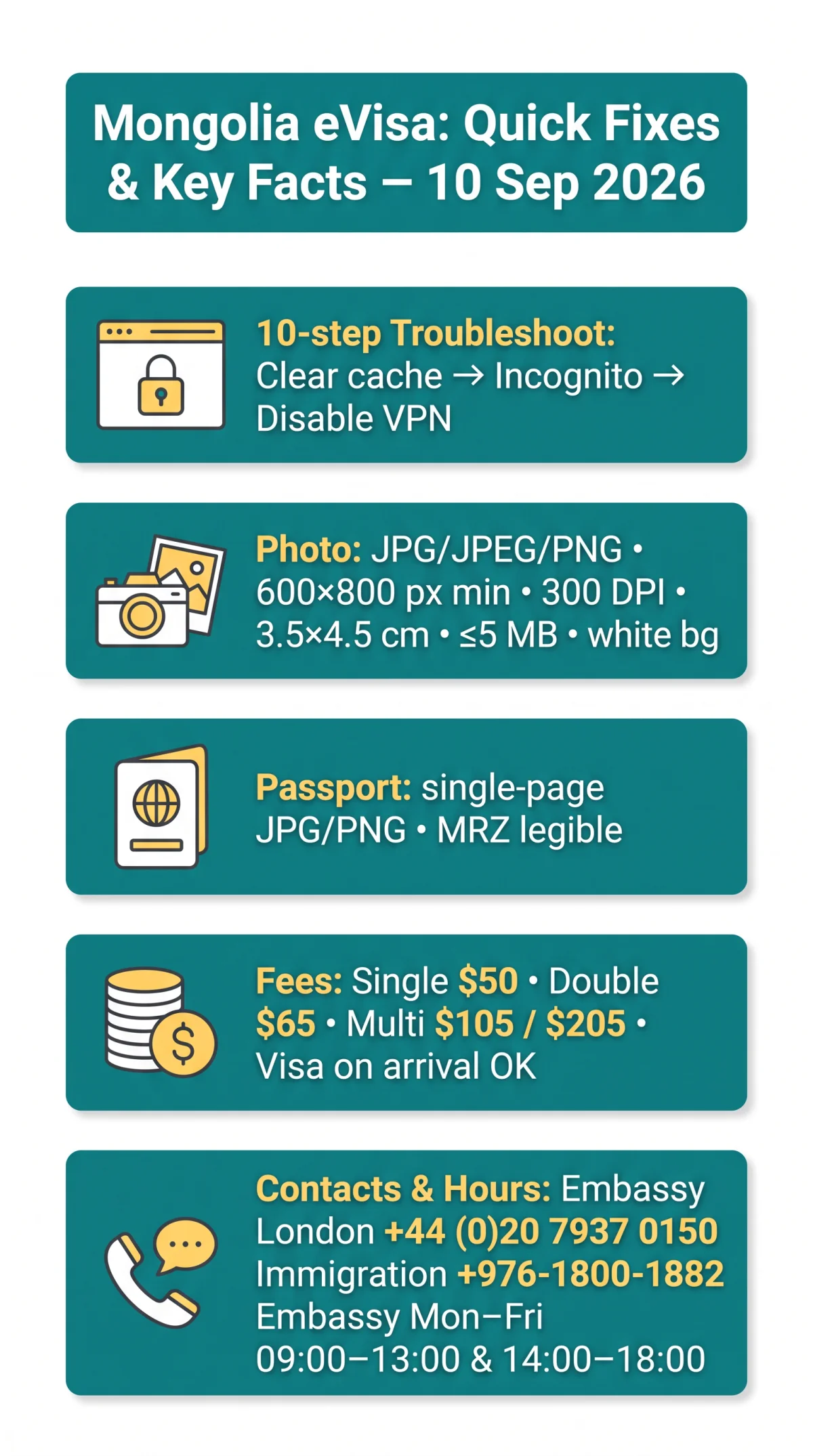
Photo & Document Upload Requirements for
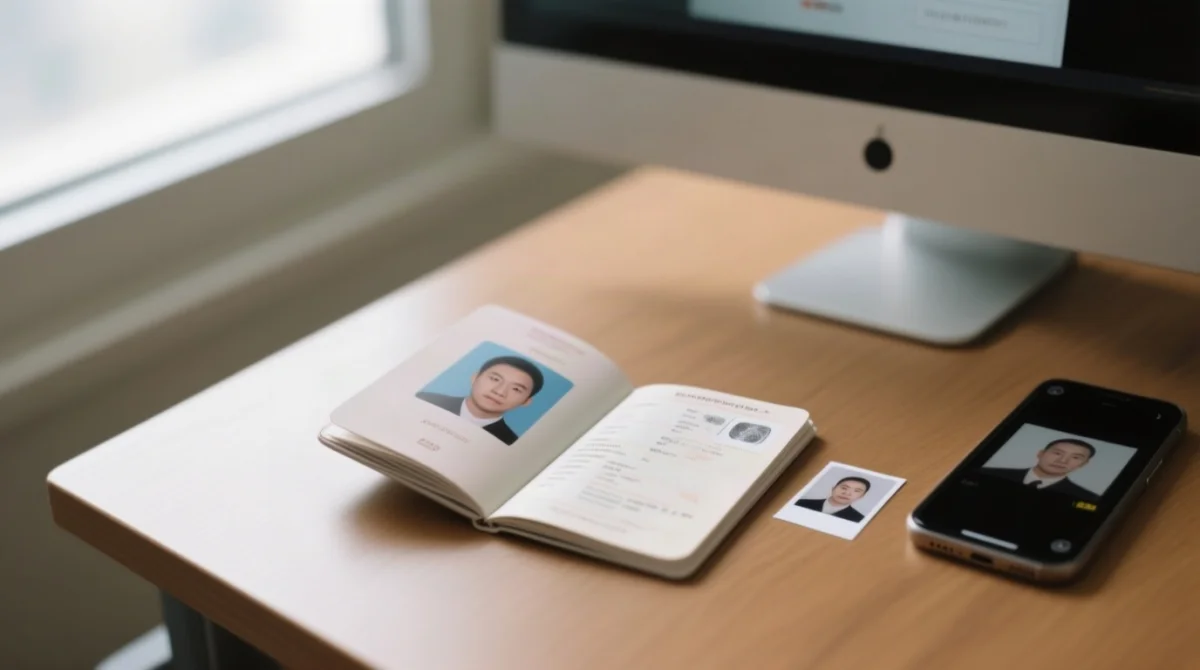
Photo rejection on is usually caused by a non-compliant image file, not a system error. The portal accepts JPG, JPEG, or PNG photo files with a maximum size of 2-5 MB, a minimum resolution of 600×800 px at 300 DPI, and a biometric aspect ratio of 3.5×4.5 cm.
| Requirement | Specification |
|---|---|
| Accepted file formats | JPG / JPEG / PNG |
| Maximum file size | 2-5 MB (compress if larger) |
| Minimum resolution | 600 × 800 px |
| DPI | 300 DPI minimum |
| Aspect ratio (biometric) | 3.5 × 4.5 cm |
| Background | White or light-coloured, uniform |
| Other rules | No glasses, no headwear (except religious), no shadows on face |
If your photo is rejected on , you may re-submit with a compliant image. A single photo rejection does not permanently block the application. Use free online image compressors to reduce oversized files below the 5 MB limit.
Passport Scan Upload Format
Upload the passport bio-data page for as a single-page JPG or PNG file, not a multi-page PDF. All text and the machine-readable zone must be clearly legible. Recommended scanning apps include Adobe Scan and Microsoft Lens. Validate the file before uploading to avoid upload failure.
Payment Issues: Resolving Declined Transactions
payments accept Visa and Mastercard with 3-D Secure/OTP verification. The visa fee is non-refundable once the transaction completes, even if cancelled, denied, or withdrawn. Verify system status on before making payment.
| Decline reason | Symptom | Solution |
|---|---|---|
| Expired card | “Card declined” | Use a valid card |
| Insufficient funds | “Insufficient funds” | Top up or use another card |
| Bank geo-block on Mongolia | “Transaction not allowed” | Call UK bank, ask to unblock international Mongolia transactions |
| Currency conversion failure | “Currency error” | Ensure card supports USD or MNT transactions |
| 3-D Secure not enabled | OTP page does not appear | Contact bank to enable 3-D Secure |
| Timeout during payment | Page freezes | Close and retry. Do not submit twice |
If crashes mid-transaction, check your inbox for a payment receipt. If charged but no confirmation received, contact [email protected] with your transaction reference. Before applying, call your UK bank and confirm: (a) international transactions to Mongolia are enabled, (b) the transaction limit covers the visa fee, (c) 3-D Secure/OTP is active.
Your Backup Plan: Visa on Arrival & Embassy Contact
When is completely down, UK travelers can obtain a visa on arrival at Chinggis Khaan International Airport (UBN) in Ulaanbaatar or walk in to the Embassy of Mongolia in London.
| Online eVisa | Visa on Arrival (UBN) | Embassy (London) | |
|---|---|---|---|
| Fees | Single $50, Double $65, Multi $105/$205 | Confirm at airport | Same; Priority = double fee + $5 |
| Hours | When online | 24/7 | Mon-Fri 09:00-13:00 & 14:00-18:00 |
Embassy UK: +44 (0)20 7937 0150 (press 9 after hours), Twitter @mongoliainuk. Immigration Agency of Mongolia: +976-1800-1882 (Mon-Fri 08:00-16:30 UTC+8), [email protected], [email protected]. Anti-corruption line: 110.
Bank transfer: Embassy of Mongolia, Bank of China, 1 Lothbury, sort code 40-50-37, account 12322550, IBAN GB29BKCH40503712322550, BIC BKCHGB2UXXX, GBP. Must include “Visa fee”. Exchange rate source: Central Bank of Mongolia (rate date: 9 September 2026).
Embassy closed 2026: 1 Jan, 18-20 Feb, 8 Mar, 31 May, 1 Jun, 10-15 Jul, 10 Nov, 26 Nov, 29 Dec. eVisa: non-extendable, non-convertible. Carry printed copy. Accommodation providers must register guests within 48 hours; long-term permit holders within 7 working days.
FAQ
How do I check if the Mongolia eVisa website is down?
Paste into or . If both report outage, it is a server-side problem. If other sites work, the issue is local.
Why can’t I log in to ?
The DAN (ДАН) login system uses Mongolian national ID authentication. Foreign applicants should use the guest application path. Clear browser cache and cookies before retrying.
Why was my photo rejected for the Mongolia eVisa?
Photo rejection on is usually due to non-compliant specs. Use JPG, JPEG, or PNG under 5 MB, minimum 600×800 px at 300 DPI, biometric 3.5×4.5 cm, white background, no glasses, no shadows.
What file formats are accepted for uploads?
accepts JPG, JPEG, and PNG for biometric photos. For the passport bio-data page, upload a single-page JPG or PNG, not a multi-page PDF. All text must be legible.
When is the Mongolia eVisa system under maintenance?
System maintenance on typically occurs during weekend overnight hours (UTC+8). Best time for UK applicants: Mongolian weekday mornings, which correspond to UK late evenings.
What browsers work best for ?
Google Chrome on desktop is recommended for . Mozilla Firefox and Microsoft Edge also work reliably. Safari has partial compatibility and may cause script errors. Avoid Internet Explorer.
How do I contact Mongolia eVisa support?
Immigration Agency of Mongolia: +976-1800-1882 (Mon-Fri 08:00-16:30 UTC+8). Email: [email protected]. Embassy of Mongolia in London: +44 (0)20 7937 0150.
Can I apply for a Mongolia visa on arrival if the website is down?
Yes. If is down, obtain a visa on arrival at Chinggis Khaan International Airport (UBN) in Ulaanbaatar. Bring your passport and confirm payment methods upon arrival.
What happens if my payment fails on ?
If the transaction fails mid-process on , you are not charged. If charged without confirmation, email [email protected] with your transaction reference. The visa fee is non-refundable once the transaction is complete.
Do I need a VPN to access from the UK?
No. UK connections typically access without a VPN. If you use a VPN and encounter errors, disable it. Some VPN servers trigger geo-blocking.